> ## Documentation Index
> Fetch the complete documentation index at: https://docs.agentmark.co/llms.txt
> Use this file to discover all available pages before exploring further.

# Version control

> Track, compare, and manage prompt versions in the AgentMark Dashboard

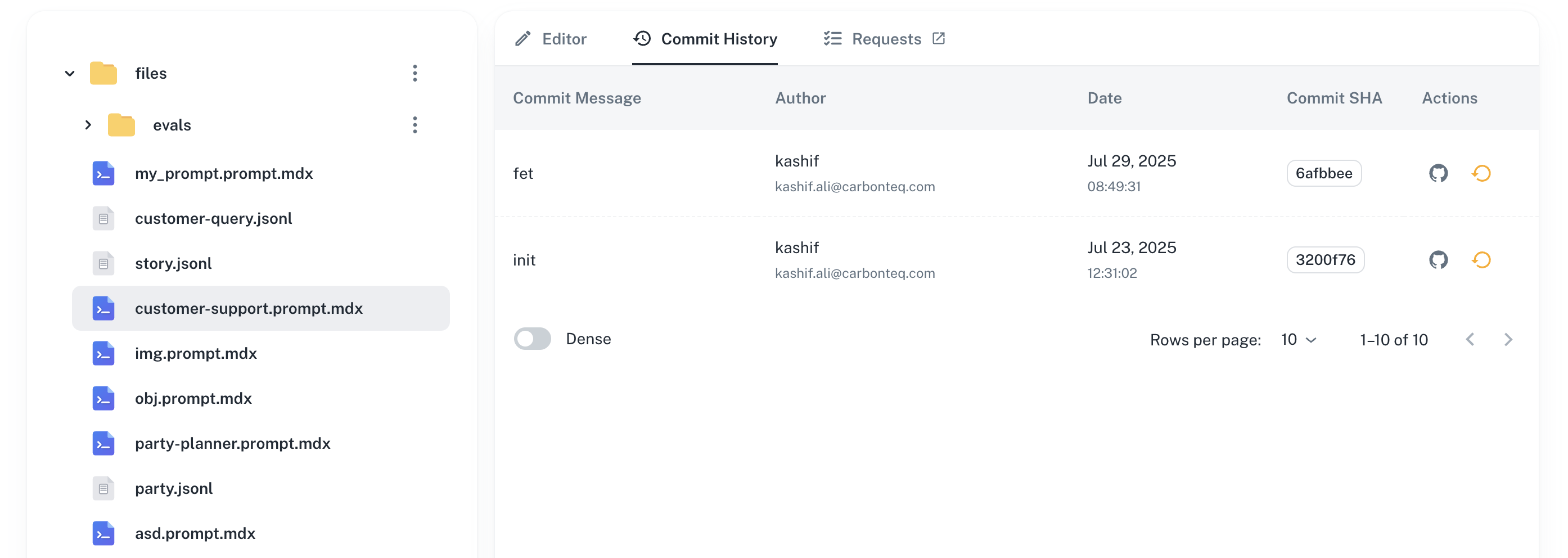
AgentMark versions every change you publish, so you get a full history of every prompt in the Dashboard. Each publish creates a new commit on the app's connected Git branch; the full history is visible in the **Commit History** tab of any prompt.

<Note>
  **Local vs Cloud.** In Local mode your prompts are plain `.prompt.mdx` files, so you track versions with your own Git workflow (`git log`, `git diff`, `git revert`). AgentMark Cloud builds the visual commit history, diffs, and one-click rollback described below on top of that same Git branch.
</Note>

<img src="https://mintcdn.com/puzzlet-9ba7bb98/oVvUgWN46n6E_-t6/images/platform/prompt-management/version-control/version-control.png?fit=max&auto=format&n=oVvUgWN46n6E_-t6&q=85&s=ec5ad70ac76da8b5e80eb412736d2513" alt="Commit History tab showing prompt version timeline" className="w-full rounded-xl border border-gray-800 shadow-2xl mb-12" width="2788" height="992" data-path="images/platform/prompt-management/version-control/version-control.png" />

The Commit History list shows every version with author, timestamp, and commit message. AgentMark marks the most recent commit as current.

## View a commit

Click any version in the history to view the commit:

* Changes made in that version
* Author and timestamp
* Commit message
* Link to the commit in your Git repository
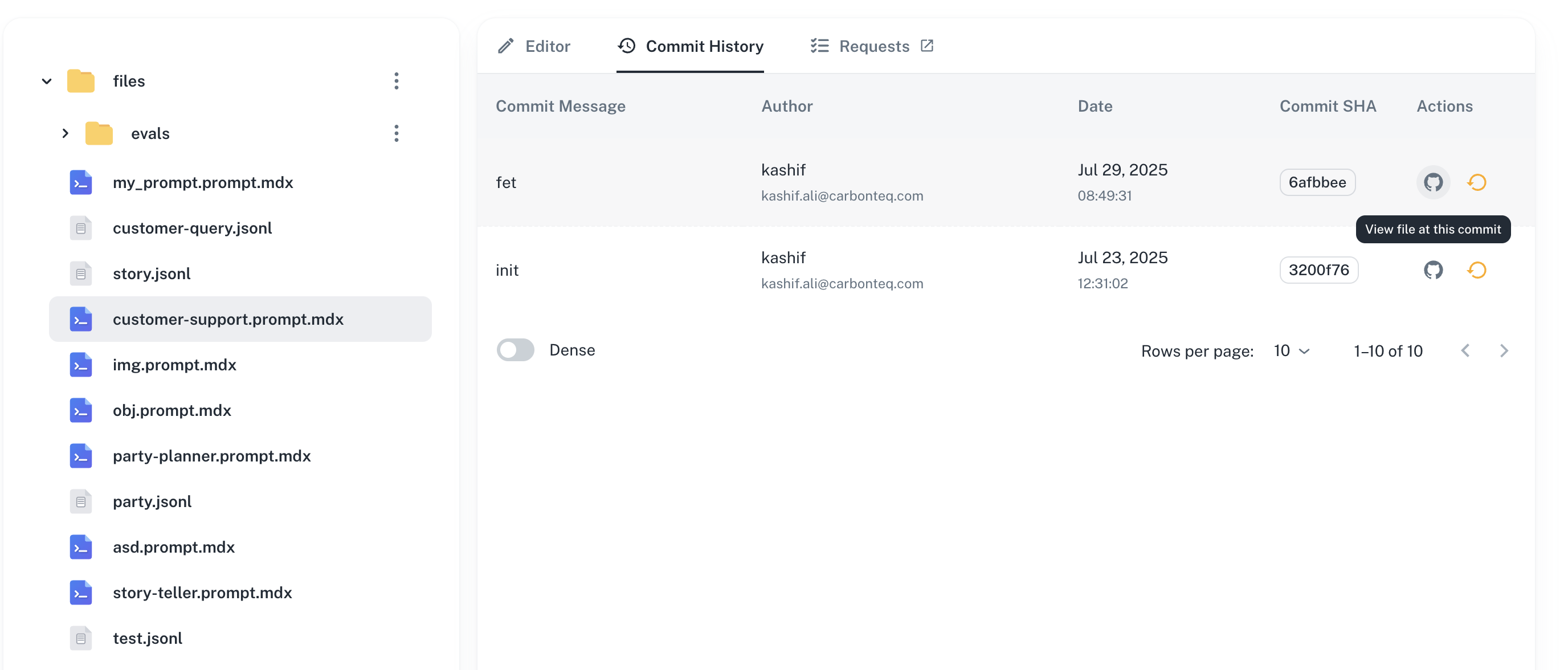
<img src="https://mintcdn.com/puzzlet-9ba7bb98/oVvUgWN46n6E_-t6/images/platform/prompt-management/version-control/version-control-view-commit.png?fit=max&auto=format&n=oVvUgWN46n6E_-t6&q=85&s=f18c1142fd38044352de2b239b594ba4" alt="Commit detail view showing diff and metadata" className="w-full rounded-xl border border-gray-800 shadow-2xl mb-12" width="2752" height="1176" data-path="images/platform/prompt-management/version-control/version-control-view-commit.png" />

The commit detail view shows the diff between this version and the previous one, along with the full commit metadata.

## Rollback

Revert to any previous version of your prompt. Rollback is **non-destructive**: it creates a new commit that restores the prompt content from the selected version, so your history stays intact.

1. Open the **Commit History** tab for the prompt.
2. In the row for the target version, click the rollback icon in the **Actions** column.
3. Confirm the rollback in the dialog.
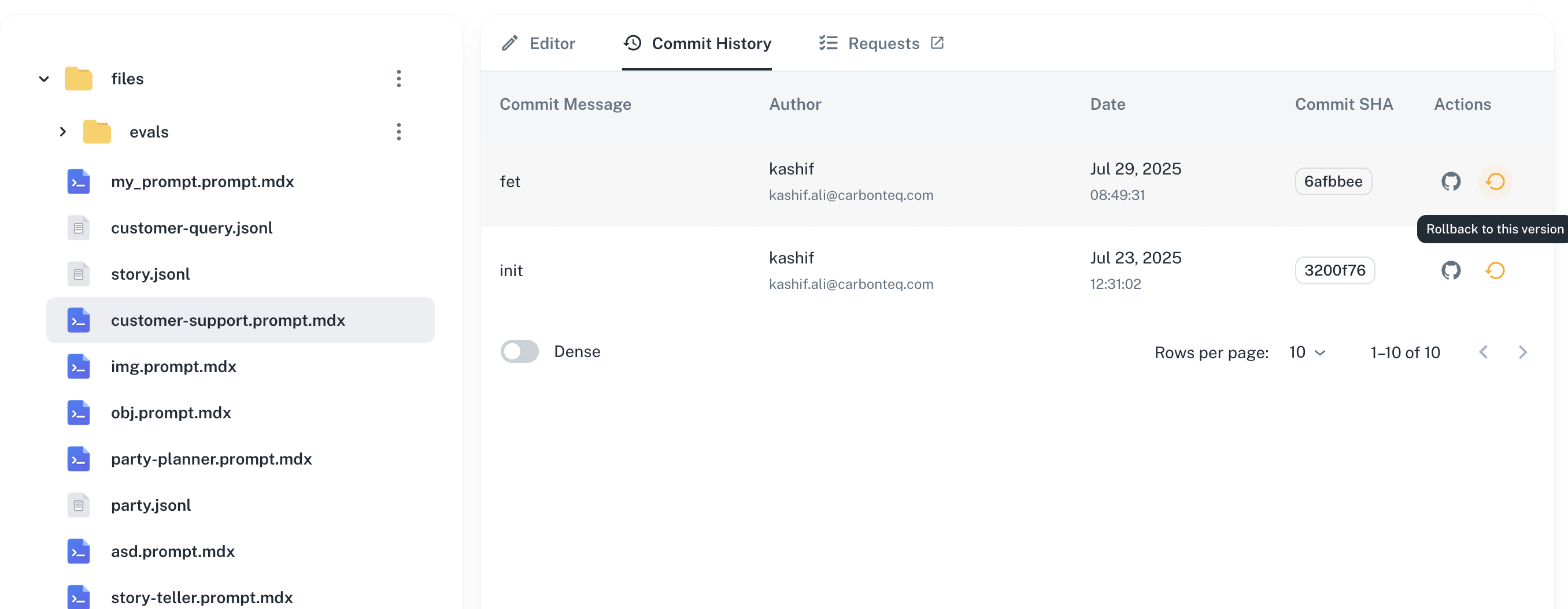
<img src="https://mintcdn.com/puzzlet-9ba7bb98/oVvUgWN46n6E_-t6/images/platform/prompt-management/version-control/version-control-rollback.png?fit=max&auto=format&n=oVvUgWN46n6E_-t6&q=85&s=d57334b2ef13958e92060cc688509632" alt="Rollback confirmation dialog" className="w-full rounded-xl border border-gray-800 shadow-2xl mb-12" width="2712" height="1054" data-path="images/platform/prompt-management/version-control/version-control-rollback.png" />

The confirmation dialog summarizes which version you're rolling back to. After you confirm, AgentMark creates a new commit and the prompt returns to that version's content.

## Next steps

<CardGroup cols={2}>
  <Card title="Testing with datasets" icon="flask" href="/evaluate/datasets">
    Validate versions against test data
  </Card>

  <Card title="Running evaluations" icon="chart-line" href="/evaluate/writing-evals">
    Measure quality across versions
  </Card>

  <Card title="Team permissions" icon="users" href="/deploy/users-and-access-control">
    Control who can edit and approve changes
  </Card>

  <Card title="Experiments" icon="beaker" href="/evaluate/running-experiments">
    Compare versions with A/B testing
  </Card>
</CardGroup>

<div className="mt-8 rounded-lg bg-blue-50 p-6 dark:bg-blue-900/30">
  <h3 className="font-semibold mb-3">Have questions?</h3>
  <p className="mb-4">Reach out any time:</p>

  <ul>
    <li>
      Email the team at <a href="mailto:hello@agentmark.co" className="text-blue-600 hover:text-blue-800 dark:text-blue-400 dark:hover:text-blue-200">[hello@agentmark.co](mailto:hello@agentmark.co)</a> for support
    </li>

    <li>
      Schedule an <a href="https://cal.com/ryan-randall/enterprise" className="text-blue-600 hover:text-blue-800 dark:text-blue-400 dark:hover:text-blue-200">Enterprise Demo</a> to learn about AgentMark's business solutions
    </li>
  </ul>
</div>
