

AgentMark is compatible with a variety of AI-powered code editors through the Model Context Protocol (MCP). This page covers the docs MCP (Documentation Index
Fetch the complete documentation index at: https://docs.agentmark.co/llms.txt
Use this file to discover all available pages before exploring further.
agentmark-docs) — a remote server that teaches your editor how to author AgentMark files.
To query live traces and data from your editor (rather than author files), use the gateway MCP server instead — see MCP trace server.
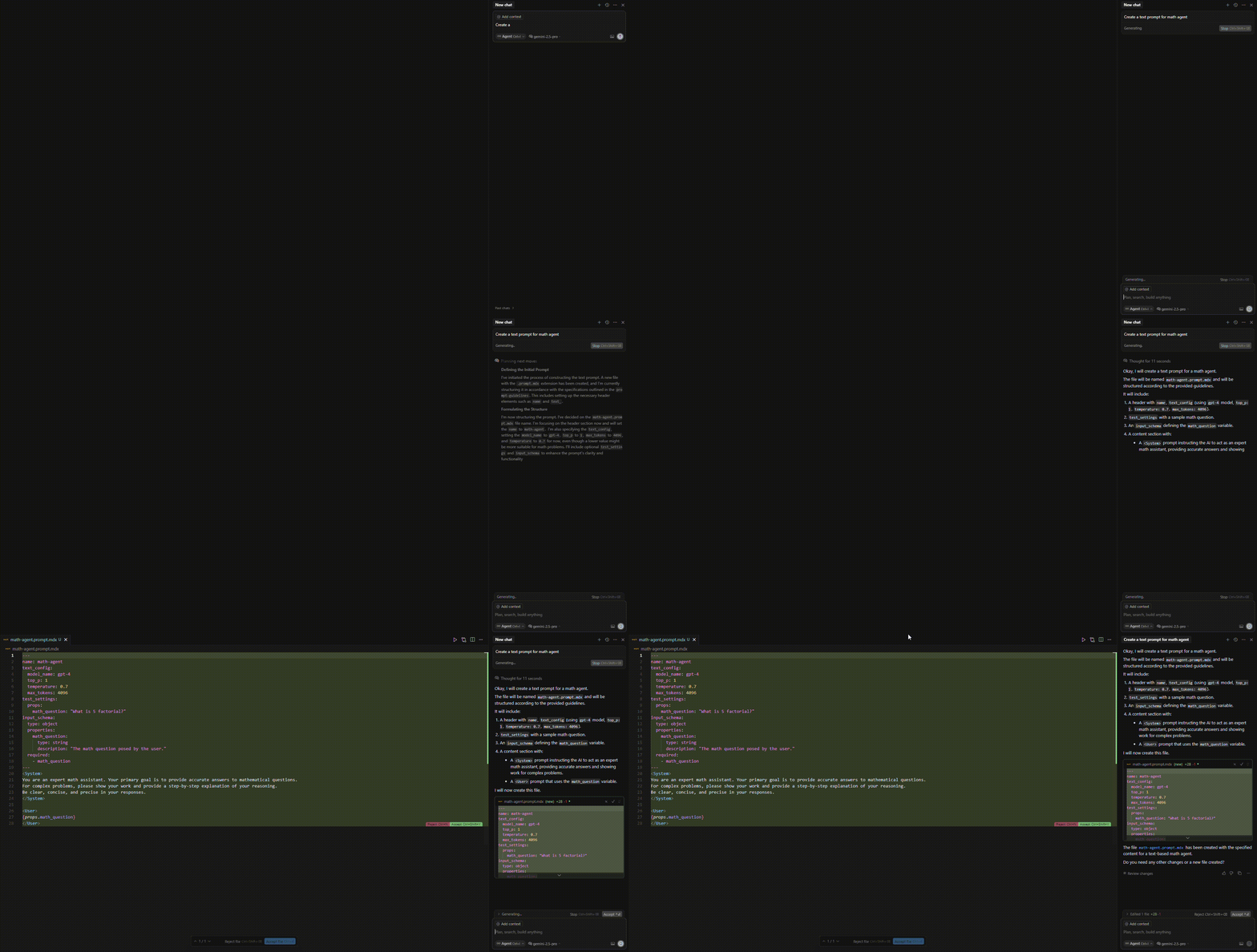
Getting started
When you runnpm create agentmark@latest, you will be prompted to select an AI code editor.
We’ll automatically provide the necessary configuration for your editor.
Once you’ve finished, you’ll be able to create/update AgentMark files directly from your AI chat interfaces.
Manual setup
Add the following configuration to your AI code editor settings:Related documentation
MCP Tools in Prompts
Use MCP tools directly within your AgentMark prompts
Traces and Logs
Debug prompt execution with OpenTelemetry tracing